
Ring Final Circuit Test Calculator
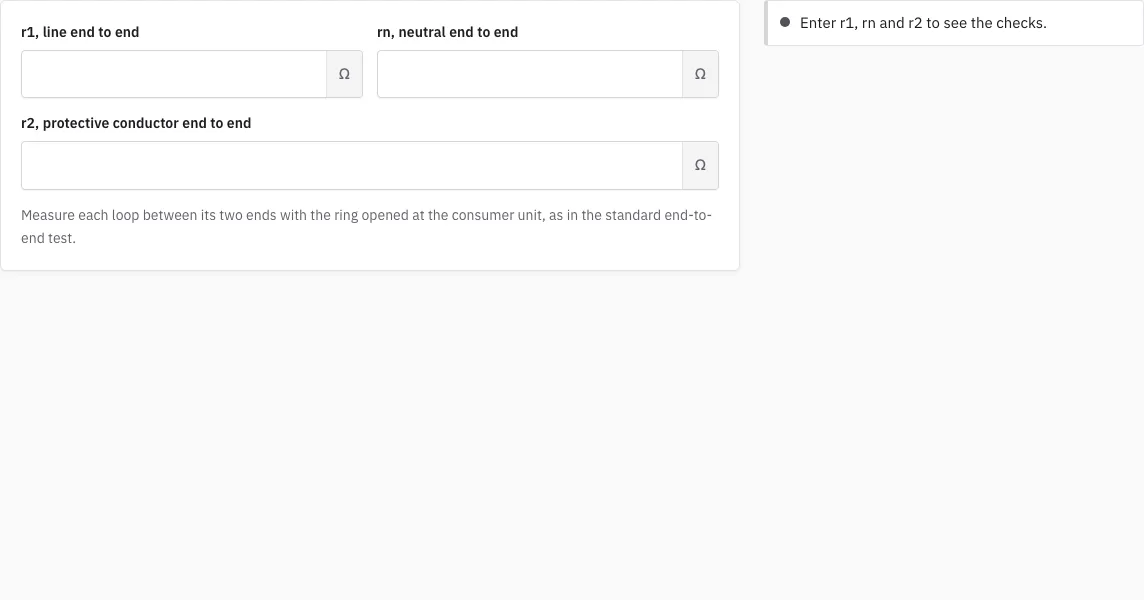
Enter r1, rn and r2 and see whether they agree, and what to expect at the sockets.
Enter r1, rn and r2 to see the checks.
Free · runs in your browser · nothing is uploaded
How to use the ring final circuit test calculator
- Isolate the circuit, confirm it is dead, and open the ring at the consumer unit so the line, neutral and protective conductors can each be measured from one end of the ring to the other.
- Enter the line reading, r1, in ohms.
- Enter the neutral reading, rn.
- Enter the protective conductor reading, r2.
- Read the expected R1+R2, worked out as (r1 + r2) / 4.
- Read the line-neutral cross-connected value, worked out as (r1 + rn) / 4.
- Read the status lines. If r1 and rn are not about equal, recheck both readings and their connections.
Enter every reading in ohms, exactly as your meter shows it. The link in the address bar keeps your entries. The example in the next section uses 0.50, 0.50 and 0.80 ohms, so you can compare your own figures with a known set.
Before you start, check that your tester is nulled for the test leads, because the readings are fractions of an ohm and the lead resistance matters. Repeat each end-to-end reading once; if the two agree, enter them. The page needs only the three end-to-end readings, so take the socket readings afterwards and compare them with the expected figures on this page.
How do I test a ring final circuit?
Open the ring at the consumer unit and measure the end-to-end resistance of its line, neutral and protective conductors. BS 7671 Chapter 64 sets out this continuity method. The three readings should agree with each other in a particular way, and this page checks that for you.
Work through the test in this order:
- Isolate the circuit and confirm it is dead before you start.
- Open the ring at the consumer unit, so each conductor is a single run from one end of the ring to the other.
- Measure r1 (line), rn (neutral) and r2 (protective conductor) end to end and enter them here.
- Reconnect the conductors with the line and neutral cross-connected, then with the line and protective conductor cross-connected, and read the resistance at each socket. The values to expect are the ones the page shows.
- Any socket that reads very differently from the expected value points to a break, a spur or an interconnection on the ring.
The line and neutral conductors are the same size, so r1 and rn should be about equal. A clear difference between them suggests a wrong reading or a wrong connection. Each result is a prompt for the certifying electrician, not a decision.
Why is R1+R2 worked out as (r1 + r2) / 4?
The end-to-end reading of a ring covers both legs of the ring in series. When the ends are joined to cross-connect the line and the protective conductor, the two legs sit in parallel, so the loop that a socket sees is a quarter of the sum. The same reasoning gives (r1 + rn) / 4 for the line-neutral value.
| Reading or result | Value (ohms) |
|---|---|
| r1 | 0.50 |
| rn | 0.50 |
| r2 | 0.80 |
| Expected R1+R2, (r1 + r2) / 4 | 0.325 |
| Cross-connected value, (r1 + rn) / 4 | 0.25 |
With these readings, (0.50 + 0.80) / 4 gives 0.325 ohm for the expected R1+R2. The certificate editor compares this figure with the R1+R2 you enter for a ring circuit and flags a difference.
How this tool works and where the numbers come from
The end-to-end and cross-connected ring final circuit test method of BS 7671 Chapter 64 (verification).
Sources
Frequently asked questions
What does the page check?
It compares r1 with rn and works out the expected R1+R2 and the line-neutral value. It does not measure anything itself and it does not see the readings you take at the sockets; those you compare with the figures it shows.
What if r1 and rn are not equal?
The line and neutral conductors are the same size, so r1 and rn should be about equal. The page flags a difference, so recheck both readings and their connections before you accept the result.
What does a socket reading that differs from the expected value mean?
A difference points to a break or an interconnection on the ring. Check the ring connections before you accept the result.
Where do I enter the ring readings on a certificate?
In the schedule of test results, set the circuit type to “Ring final” and the r1, rn and r2 fields appear. The checker there compares (r1 + r2) / 4 with the R1+R2 you entered.
Why does my result say “rule review pending”?
Each result stays marked “rule review pending” until it is checked against the printed BS 7671. Treat it as unconfirmed until that check is done.
Do the units matter?
Enter every reading in ohms, as your meter shows it. Mixing up milliohms and ohms is an easy way to get a result that looks wrong.
Related tools
- Earth Fault Loop Impedance Calculator: use it to add Ze to R1+R2 and compare with a measured Zs.
- Max Zs Calculator: use it to compare a measured Zs with the maximum for the protective device.
- Maximum Zs Values for MCBs and RCBOs: use it to look up the maximum Zs for each rating.
- Insulation Resistance Test: Test Voltage and Minimum: use it for the insulation test of the same circuit.
- RCD Test: Trip Time Checker: use it for the RCD that protects the ring.
- Schedule of Test Results: use it to record the ring readings with the rest of the circuit.
- EICR Certificate Maker: use it to put the results into a condition report.