
EICR Certificate Template
The blank EICR template is free and needs no sign-up: choose how many circuits you need and print a blank condition report, or fill it in on screen first. Built from the model-form information in BS 7671:2018+A4:2026 (checked 2026-11-13).
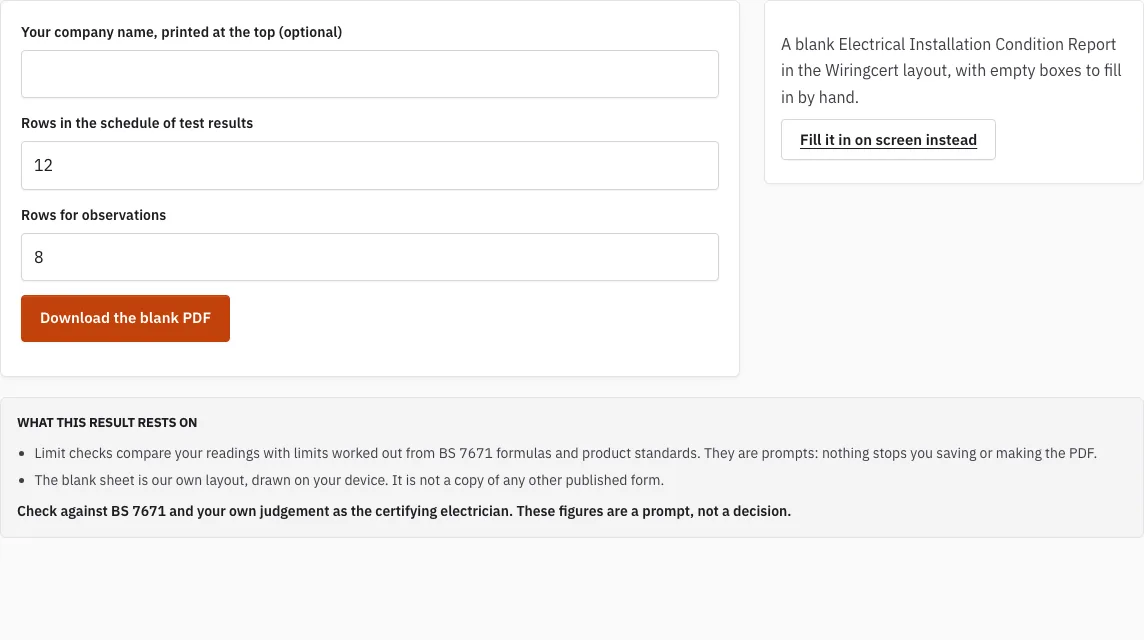
A blank Electrical Installation Condition Report in the WiringCert layout, with empty boxes to fill in by hand.
Free · runs in your browser · nothing is uploaded
How to use the EICR Certificate Template
- Choose the number of rows for the schedule of test results, from 1 to 60.
- Choose the number of rows for observations, from 1 to 40.
- Press “Download the blank PDF” to save the sheet to your device.
- Print the PDF and fill the empty boxes by hand: details, contractor, purpose and extent, supply and earthing, observations, schedule of inspections, test results, summary and signatures.
- If you prefer to work on screen, follow the link to the on-screen EICR maker. There you fill in the same report, check it against limits and save it as a PDF.
The two row settings are the only choices on this page. Each item in the schedule of inspections has its own empty outcome box. The test results pages are landscape, and the header repeats on every page, so the column titles stay visible on a long schedule.
Choose the rows with the circuit count in mind: one row per circuit across all boards is enough, because each board’s table starts on a new landscape page. The blank PDF carries no data from this page, so it can be printed as many times as you need, and the on-screen maker is there if you would rather type the report than write it.
What should an EICR report look like?
An EICR report is the record of a periodic inspection of an existing installation, described in Chapter 65 of BS 7671. The blank sheet on this page has sections for details, contractor, purpose and extent, supply and earthing, observations, schedule of inspections, schedule of test results, summary and signature boxes.
A condition report records what you found and what you tested. The person signing the report checks each entry before it goes out.
How do I get an EICR certificate?
You can get the template in two ways: download the blank PDF from this page, or open the on-screen EICR maker linked here. For the official IET forms, go to the IET’s website, since we do not host those forms. The PDF is made on your device, so the sheet stays with you.
How to fill out an EICR certificate?
Work from the top of the sheet down. Later boxes, such as the summary, depend on what you wrote above them, so filling them in order saves rework. Use the rows you chose when you downloaded the sheet.
- Enter the client and installation details, including the installation address.
- Record the contractor details and the purpose and extent of the inspection.
- Note the supply and earthing arrangements.
- Write each observation in its own row.
- Complete the outcome box beside each item in the schedule of inspections.
- Enter the test results on the landscape pages.
- Complete the summary, then have the responsible person sign the signature boxes.
What is on each page of the blank report?
The first pages hold the details, the contractor block, the purpose and extent, and the supply and earthing information, each as ruled boxes. Then come the observations, with the number of rows you chose, and the schedule of inspections in six groups with an empty outcome box beside every item. The schedule of test results follows on landscape pages, one table per distribution board, with the column titles repeated on each page and units under the titles. The last page holds the summary, the next inspection date and the signature boxes. A small note on every page says it is a blank WiringCert template.
How this tool works and where the numbers come from
The layout is our own, built from the information the model forms in Appendix 6 of BS 7671:2018+A4:2026 ask for.
Sources
- IET: model forms for BS 7671 (the IET's own free page; WiringCert does not reproduce them) (BS 7671:2018+A4:2026 model forms) · checked
Frequently asked questions
Can I download a blank EICR template here?
Yes. Choose the number of rows and press “Download the blank PDF”. The sheet is made on your device and saved to your downloads.
Is this the IET form?
No. The layout is our own, built from the information the model forms in Appendix 6 of BS 7671:2018+A4:2026 ask for. It does not use the IET’s layout, notes or logo, and we do not host the IET forms. The IET publishes its own forms on its website.
Does the page send the completed form anywhere?
No. Print the PDF or pass the saved file on by the route your client or your registration scheme requires.
Why print a sheet when there is an on-screen maker?
A printed sheet suits writing by hand on site. The on-screen EICR maker fills in the same report, checks readings against limits and saves a PDF. Pick whichever suits the job.
How many rows should I choose?
The schedule of test results takes 1 to 60 rows and the observations take 1 to 40. Choose enough for the number of circuits and findings you expect; you can download another sheet if you need more.
Does the template follow BS 7671?
The layout is built from the information the model forms in Appendix 6 of BS 7671:2018+A4:2026 ask for, and each page says it is based on those forms. The person who signs the report is responsible for checking its content against BS 7671.
Related tools
- EICR Certificate Maker: use it when you want to fill in the report on screen, check it against limits and save it as a PDF.
- Electrical Installation Certificate (EIC): use it for new installation work rather than an inspection of an existing one.
- Minor Works Certificate: use it for small additions or alterations to a circuit.
- Minor Works Certificate Template: use it when you need a printable minor works sheet.
- Schedule of Test Results: use it when you only need the test results table.
- Which Electrical Certificate Do I Need?: use it when you are not sure which document fits your job.
- EICR Codes: C1, C2, C3 and FI: use it to check what each classification code means.
- Maximum Zs Values for MCBs and RCBOs: use it when you are checking earth fault loop values.